How it works
From an empty account to a finished season in six steps.
1. Your organisation is set up
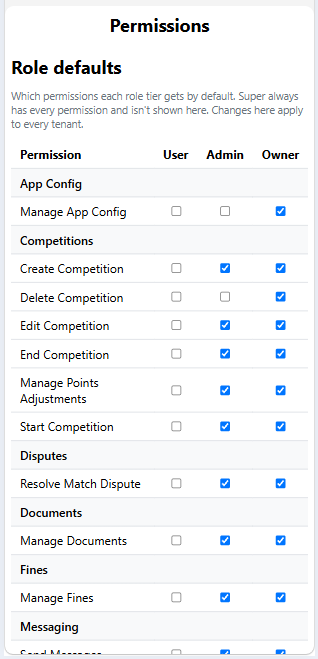
Each club or league has its own site with its own name, logo and administrators. Organisers decide which features to switch on and who can do what.
2. Players join
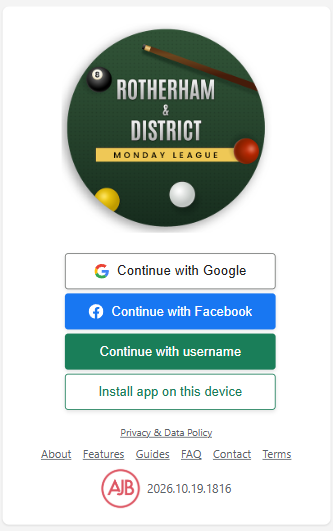
Members sign in with Google or Facebook. Administrators can approve new members and link each sign-in to the right player record, so history follows the person rather than the account.
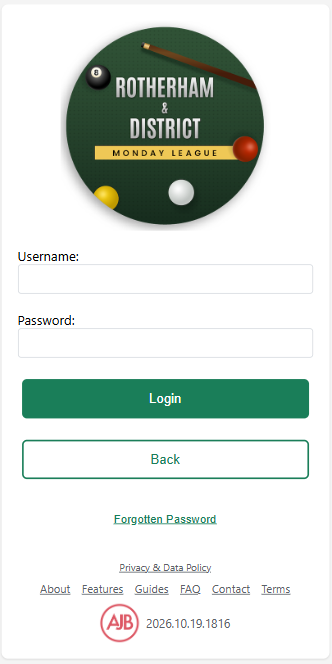
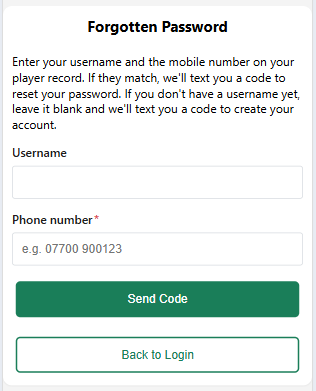
If you have forgotten your password, or have a player record but no username yet, enter the mobile number on your player record and a code is texted to you to reset it or create your account.
3. Create a competition or league
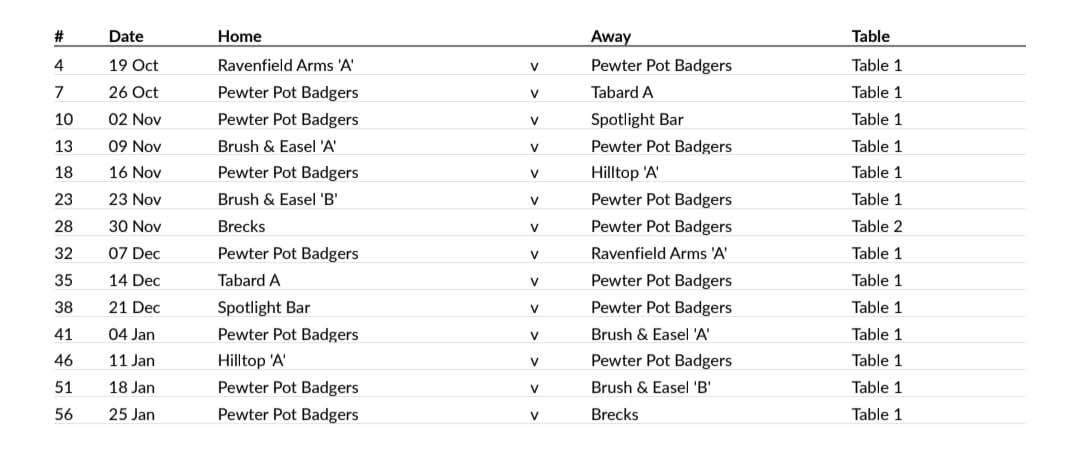
Choose knockout or round robin for a competition, or build a league from teams. Set the dates and the venue tables and AJB Score works out the draw or full fixture list, including byes when the numbers are odd.
4. Everyone sees their fixtures
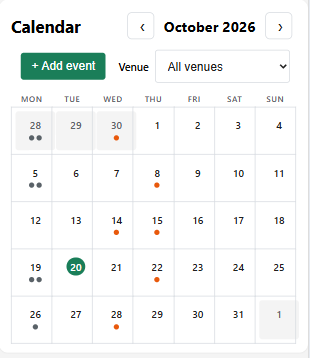
Players and captains see upcoming matches on their dashboard and the calendar. Captains nominate their lineups, and notifications remind people when matches are coming.
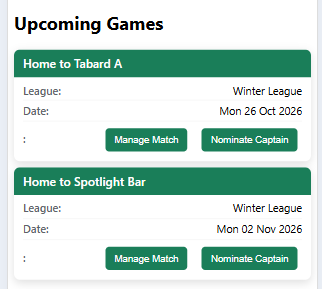
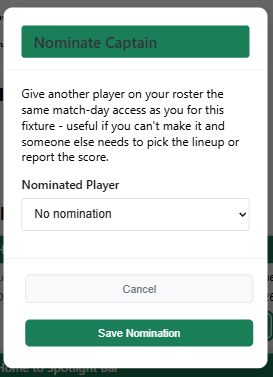
If a captain can't make it, they can nominate another player from their roster, who then gets the same match-day access for that fixture to pick the lineup or report the score.
5. Matches are scored at the table
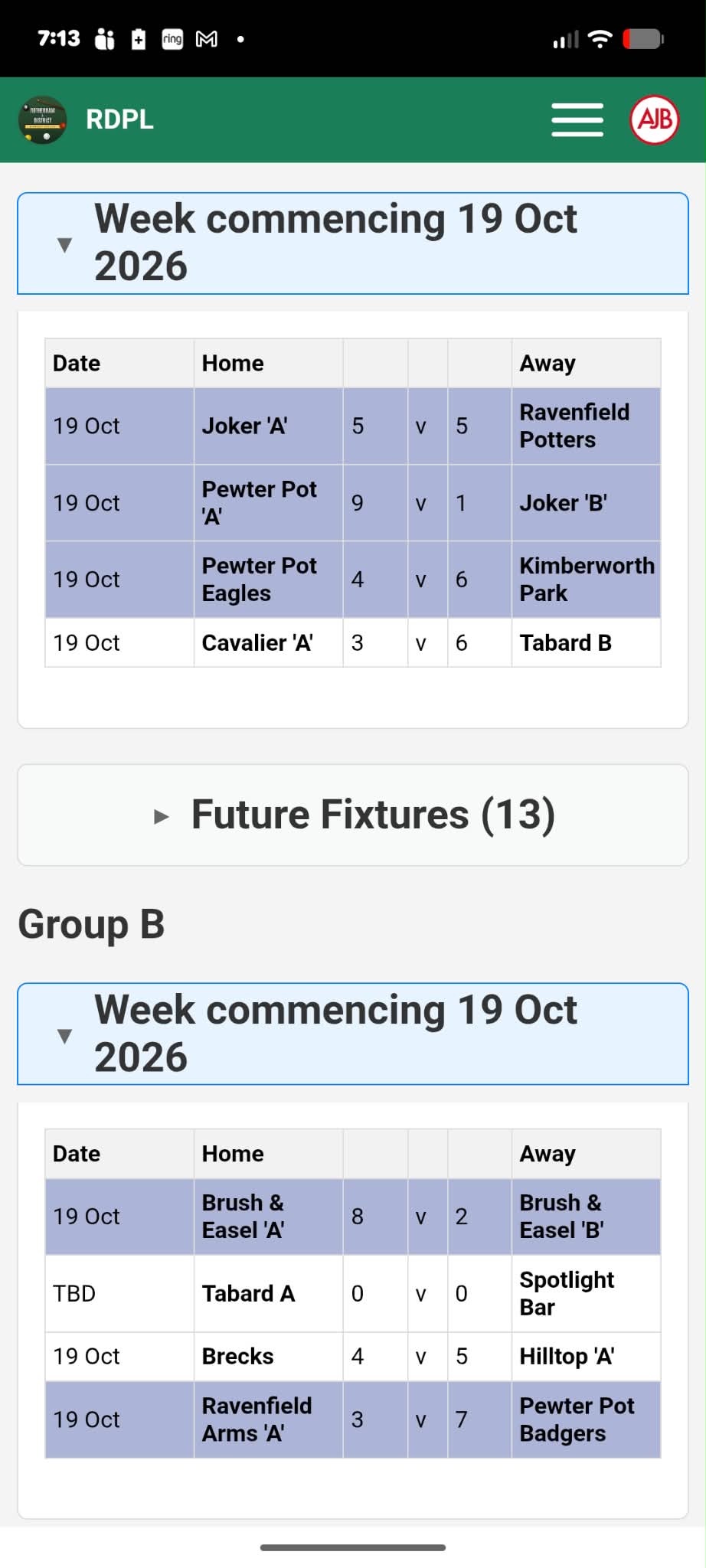
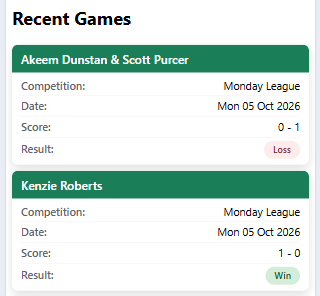
At match time, open the match on a tablet, enter the match PIN and score frame by frame. The bracket or league table updates straight away. If a result is disputed, an administrator can review and correct it.
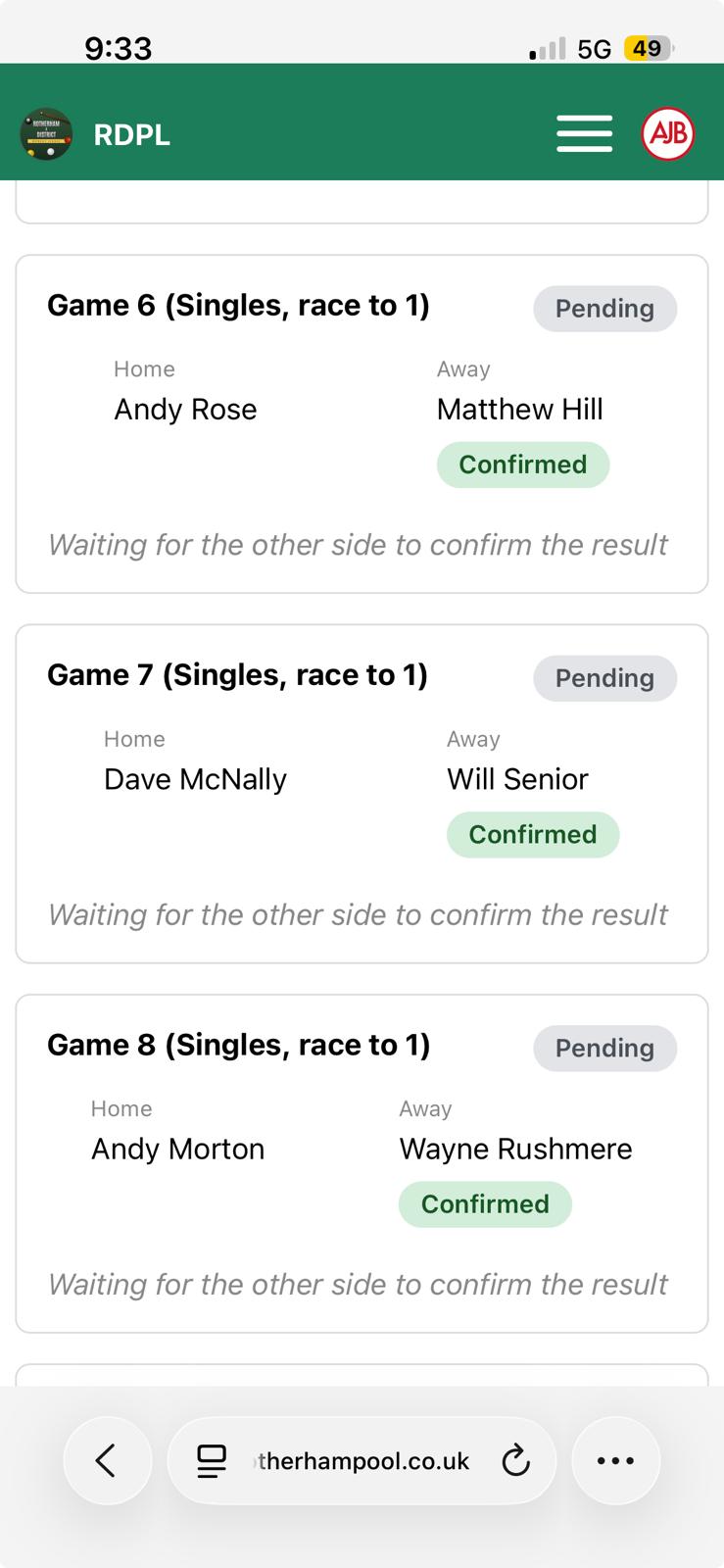
In a league fixture both sides report each game. The match-day page shows every game as pending until the other side confirms it, and updates live when they do.
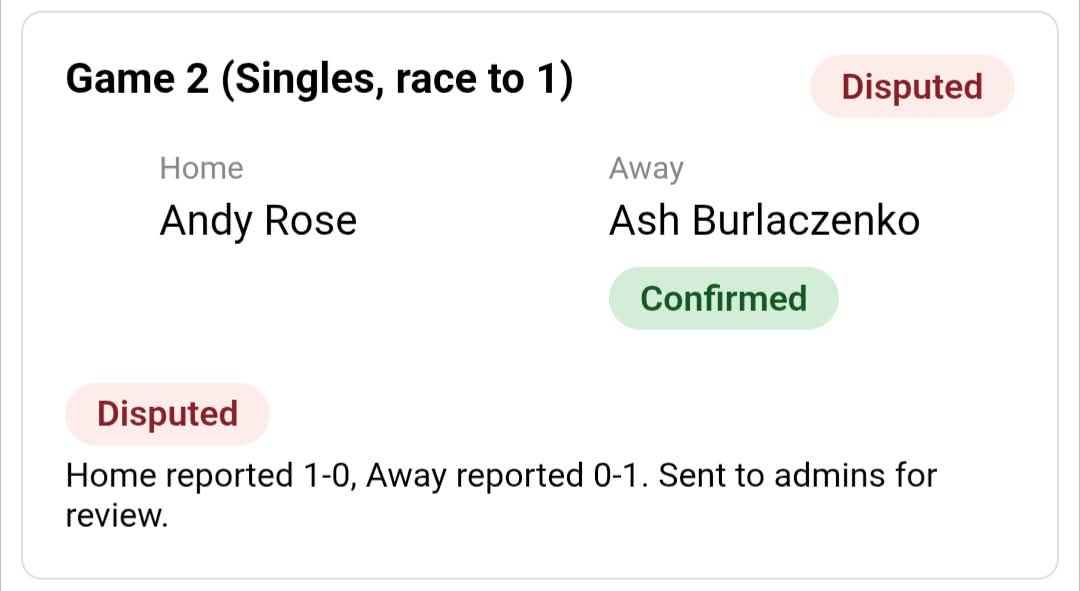
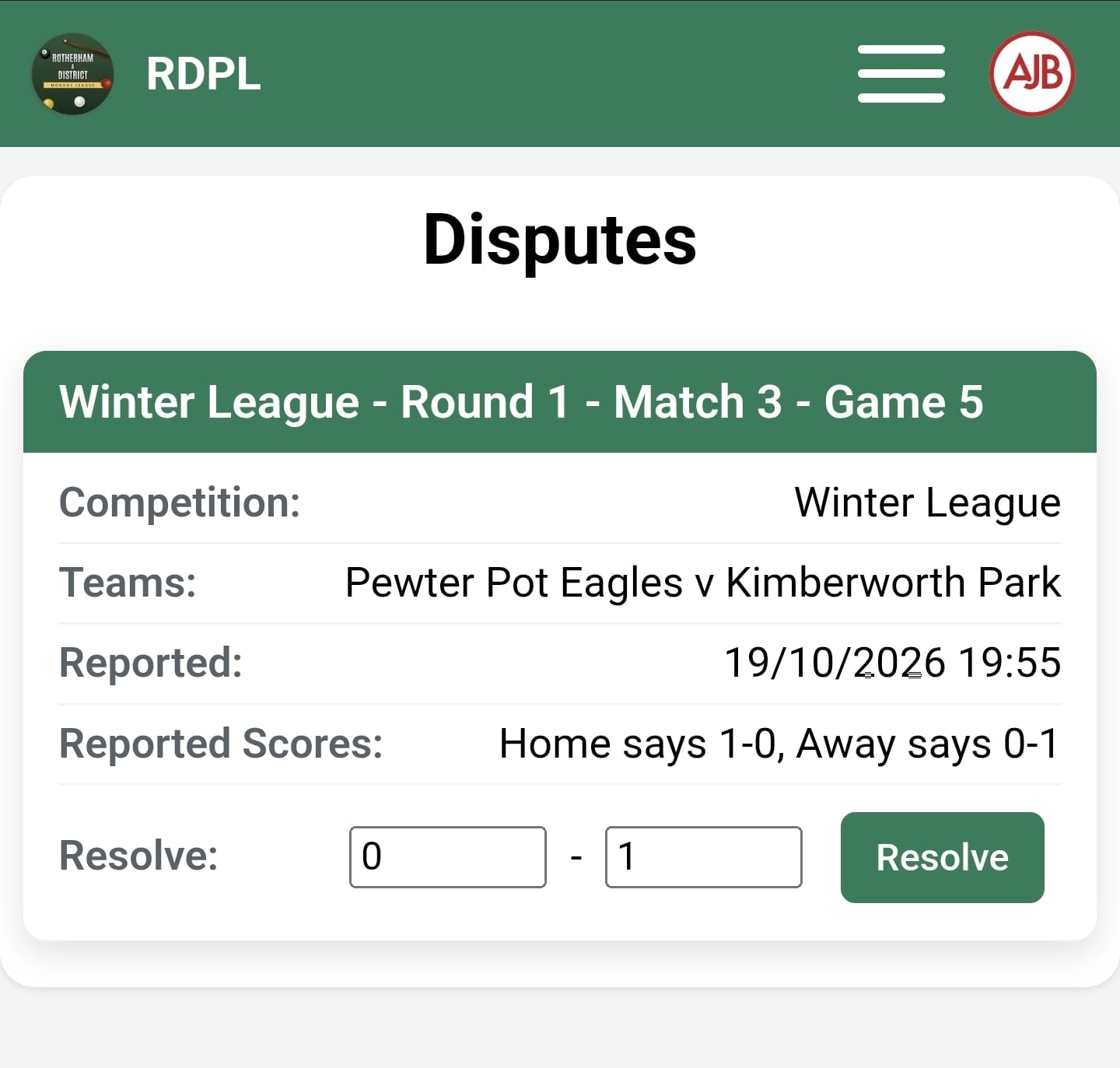
If the sides report different scores the game is marked disputed and sent to the administrators, who enter the final score from the Disputes page.
6. Follow the results
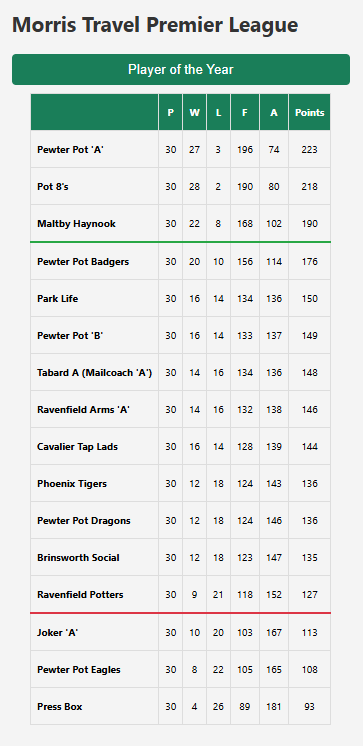
Standings, brackets and player statistics are always current. Publish the draw for spectators, or show the live scoreboard on a stream.
Want detail on a particular format? Read our guides or the FAQ.
Last updated 30 September 2026