How to run a pool league
A league is a season-long round robin between teams. It takes organisation, but a handful of decisions made up front remove most of the pain.
1. Decide the structure
Agree how many players make up a team, how many frames are played per fixture and how points are awarded, for example two points for a win and one for a draw. Put these rules in writing and share them with captains before entries close.
2. Collect teams and venues
Each team needs a captain, a home venue and a home night. Check that the venue has enough tables for the nights requested so that two home fixtures never clash.
3. Generate the fixtures
In a double round-robin every team plays each opponent home and away. With an odd number of teams one team has a bye each week. Building this by hand is error-prone, which is why most leagues use software to generate a balanced schedule.
4. Captains nominate their lineups
Before each fixture captains choose which squad members play. Setting a deadline avoids last-minute confusion and lets opponents see who they are facing.
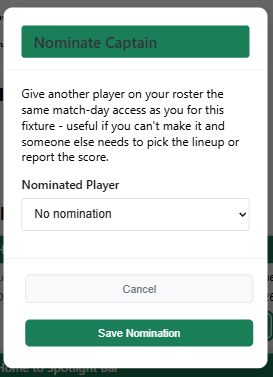
If the captain cannot make it, they can nominate another player on their roster to take over the match-day tasks for that fixture.
5. Record results promptly
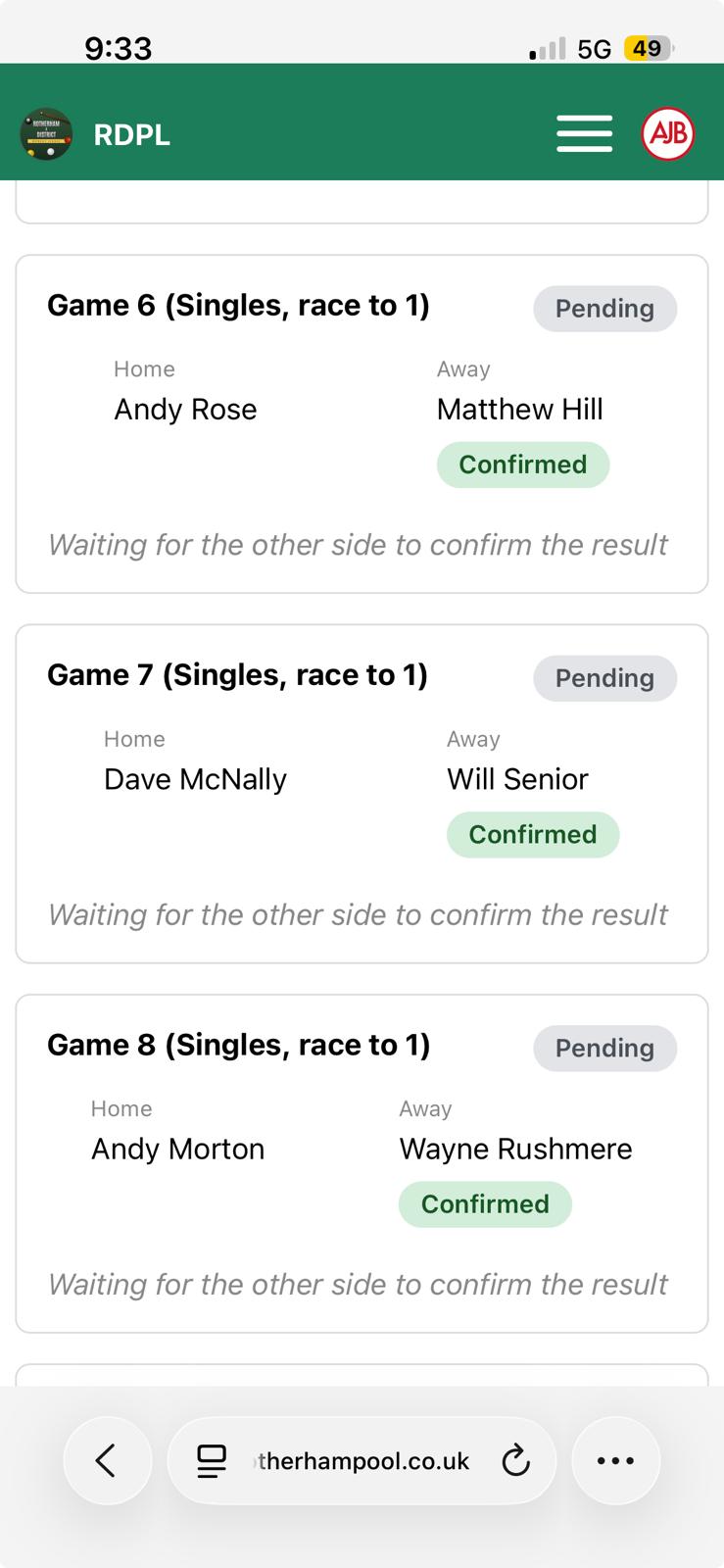
The fastest way to keep a league table accurate is to record the result at the table, right after the last frame. Agree who does it (the home captain, or a neutral scorer) and that both teams check the score before leaving.
6. Handle disputes calmly
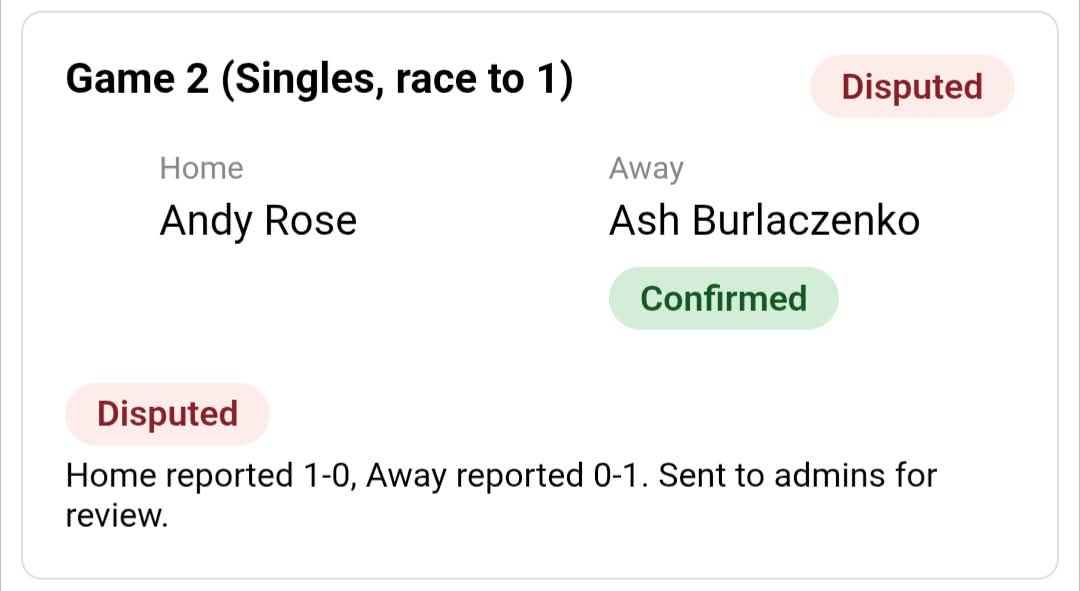
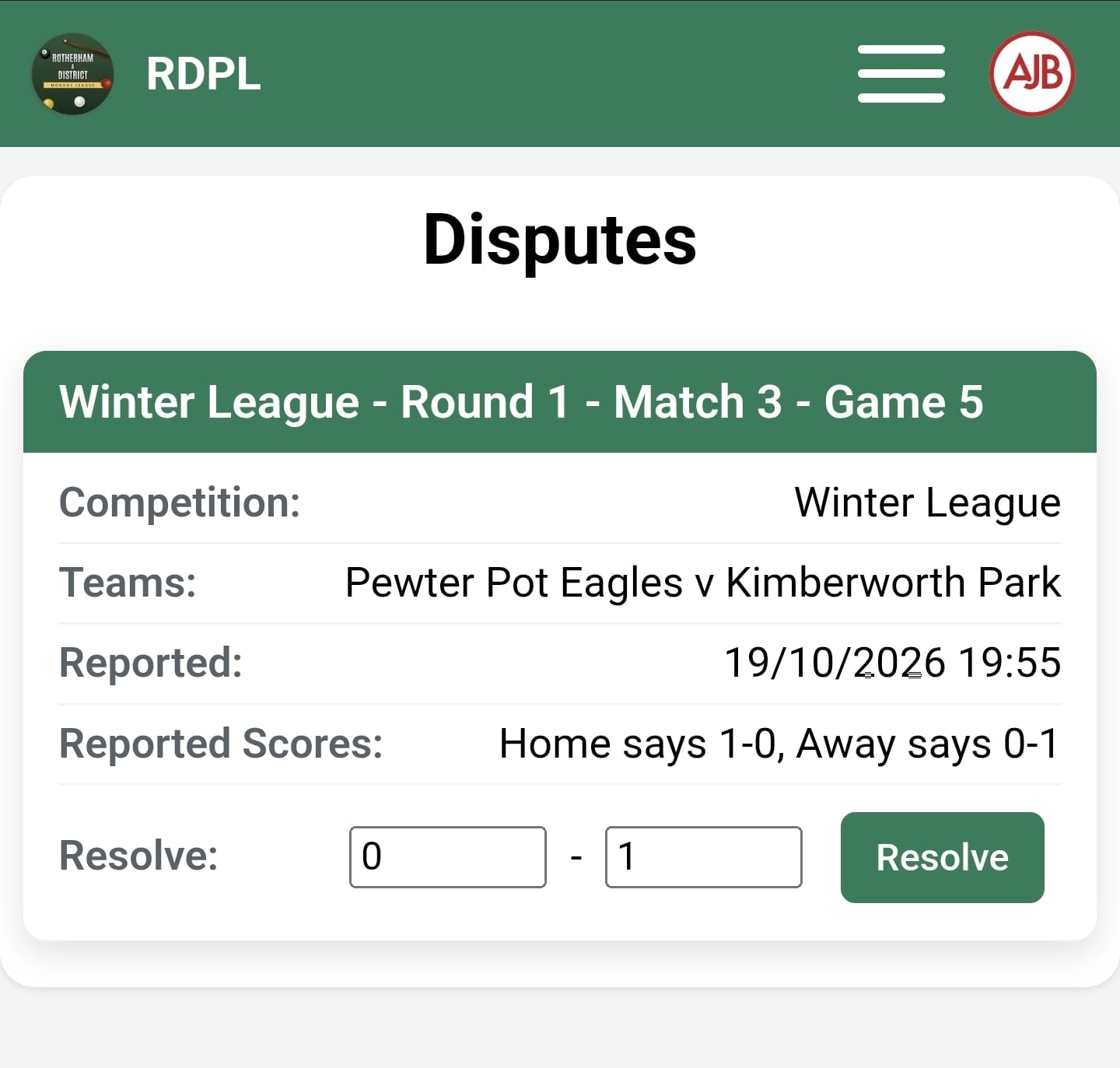
Disputes are inevitable. Keep a simple process: the disagreeing team flags the result within a few days, the league secretary reviews it, and the decision is final. A single list of open disputes makes this manageable.
7. Publish standings and keep talking
Teams want to see the table and their next fixture at a glance. Reminders before match night reduce no-shows more than anything else you can do.
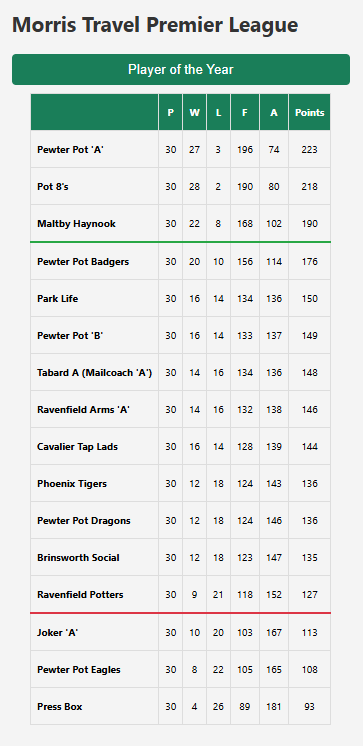
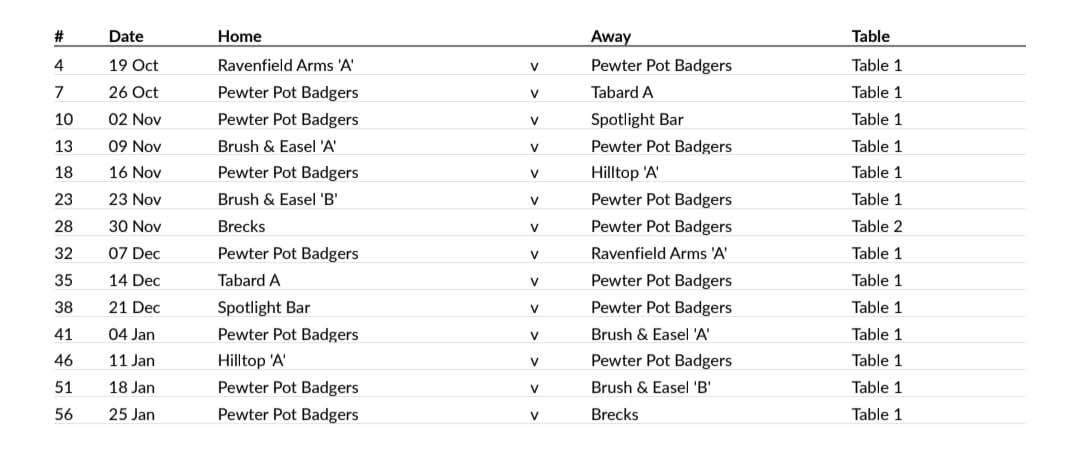
AJB Score automates fixture generation, lineups, results, the table and disputes. See how it works.
Last updated 30 September 2026